
How to Create an App for Android & iOS – Beginner Guide
Are you interested in building your own app? This blog will guide you through the entire process of developing an application from scratch for both Android and iOS. Mobile app development is one of the fastest-growing industries globally, with businesses, startups, and individuals eager to create their own apps. In this blog, you will find clear and detailed instructions on how to develop an app. If you’re a beginner, you might think that app development is challenging, but with the right approach, anyone can grasp the basics. You will learn step by step how to choose the appropriate platform, design the user interface, build the app, test it, and finally, publish it on the Play Store or App Store.

Let's learn..
Step 1 – Define Your App Idea Before You Develop an App
Before starting mobile app development, you must clearly define your app idea. Every successful app solves a problem or provides value to users.
Ask yourself:
What problem will my app solve?
Who will use my app?
Is my app for business, learning, or entertainment?
What features should my app have?
Planning your idea is the first step in learning how to develop an app successfully.
Step 2 – Choose Platform (Android, iOS, or Both)
The next step in the app development process is choosing the platform.
Android App Development
Android apps are published on Google Play Store and have a large number of users.
iOS App Development
iOS apps run on iPhone and iPad and are published on Apple App Store.
Cross-Platform App Development
You can also build one app for both Android and iOS using:
Flutter
React Native
Xamarin
Choosing the right platform is important when you learn how to create an app for Android & iOS.
Step 3 – Choose the Right Technology for Mobile App Development
To develop an app, you need to select the right programming language or framework.
Popular app development technologies:
Kotlin → Android app development
Swift → iOS app development
Flutter → Android & iOS apps
React Native → Cross-platform apps
JavaScript / Python → Backend development
Beginners often use Flutter or React Native because they allow faster mobile app development.
Step 4 – Design UI/UX for Your Mobile App
UI (User Interface) and UX (User Experience) are very important in app development.
Good design makes your app:
Easy to use
Attractive
Professional
User friendly
Steps in app design:
Create wireframe
Design layout
Choose colors & fonts
Design app screens
Apps with better UI/UX perform better in search results and app stores.
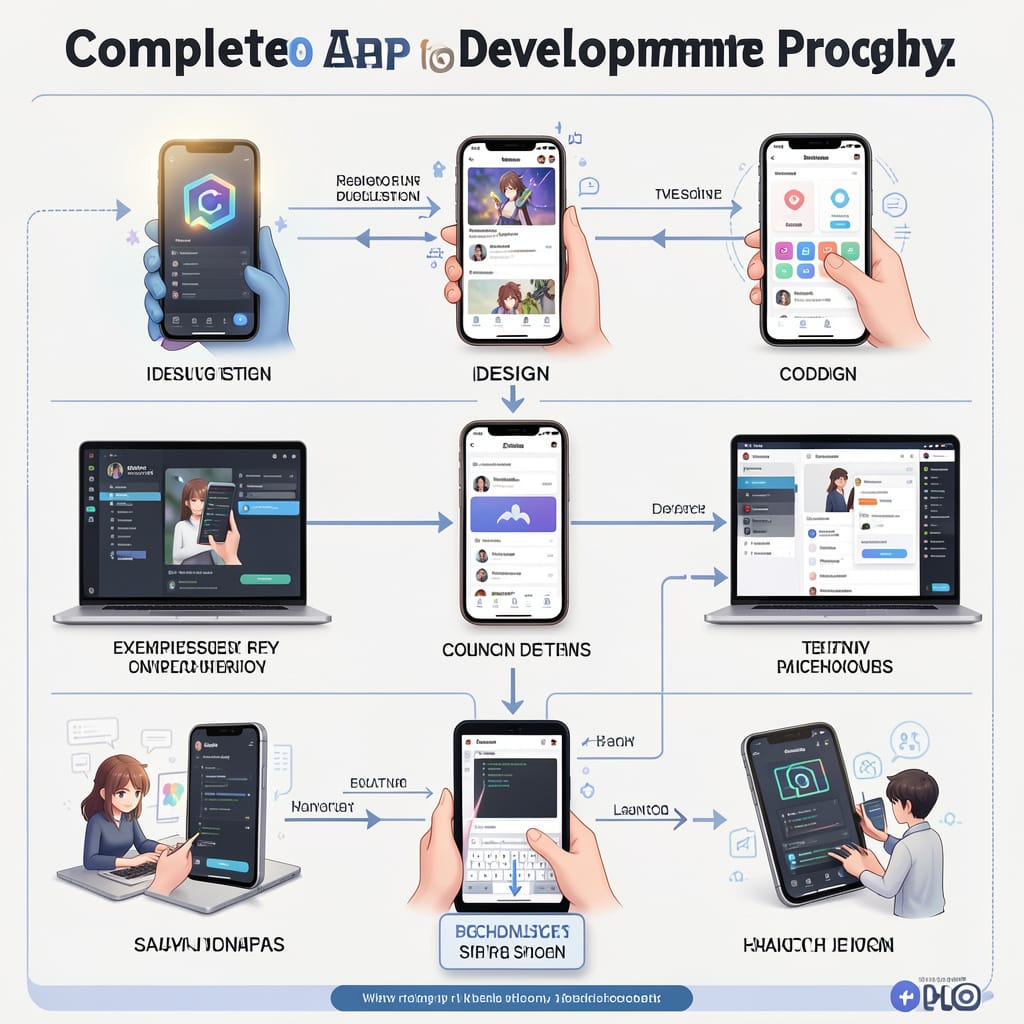
Step 5 – Start the App Development Process
Now the real coding starts. This is the main step in learning how to develop an app.
App development includes:
Frontend Development
What users see in the app.
Backend Development
Server, database, login system, API.
Database Setup
Store user data, images, messages, etc.
API Integration
Connect the app with services like payments, maps, and login.
Mobile app development takes time, so build your app step by step.
Step 6 – Test Your App Before Publishing
Testing is very important in the app development guide.
Check for:
Bugs
Crashes
Slow speed
UI problems
Login errors
Types of testing:
Manual testing
Beta testing
User testing
Performance testing
Apps that are properly tested receive higher ratings on the Play Store and App Store.
Step 7 – Publish Your App on Play Store & App Store
After testing, the next step is publishing.
Publish Android App
Create Google Play Developer account
Upload APK / AAB file
Add description & screenshots
Submit for review
Publish iOS App
Create Apple Developer account
Upload app in App Store Connect
Submit for approval
Publishing is the final step in how to create an app for Android & iOS.
Step 8 – Promote Your App for Better Popularity
Creating an app is not enough. You must promote it.
Best ways to promote your mobile app:
SEO for app website
Social media marketing
Google Ads
App Store Optimization (ASO)
Blog content marketing
Promotion helps your app get downloads and popularity.
Step 9 – Cost to Develop an App
Many people ask how much it costs to develop an app.
Approximate cost:
Simple app → low cost
Medium app → moderate cost
Complex app → high cost
Cost depends on:
Features
Platform
Design
Developer experience
If you want professional results, hiring an app development company is a good option.
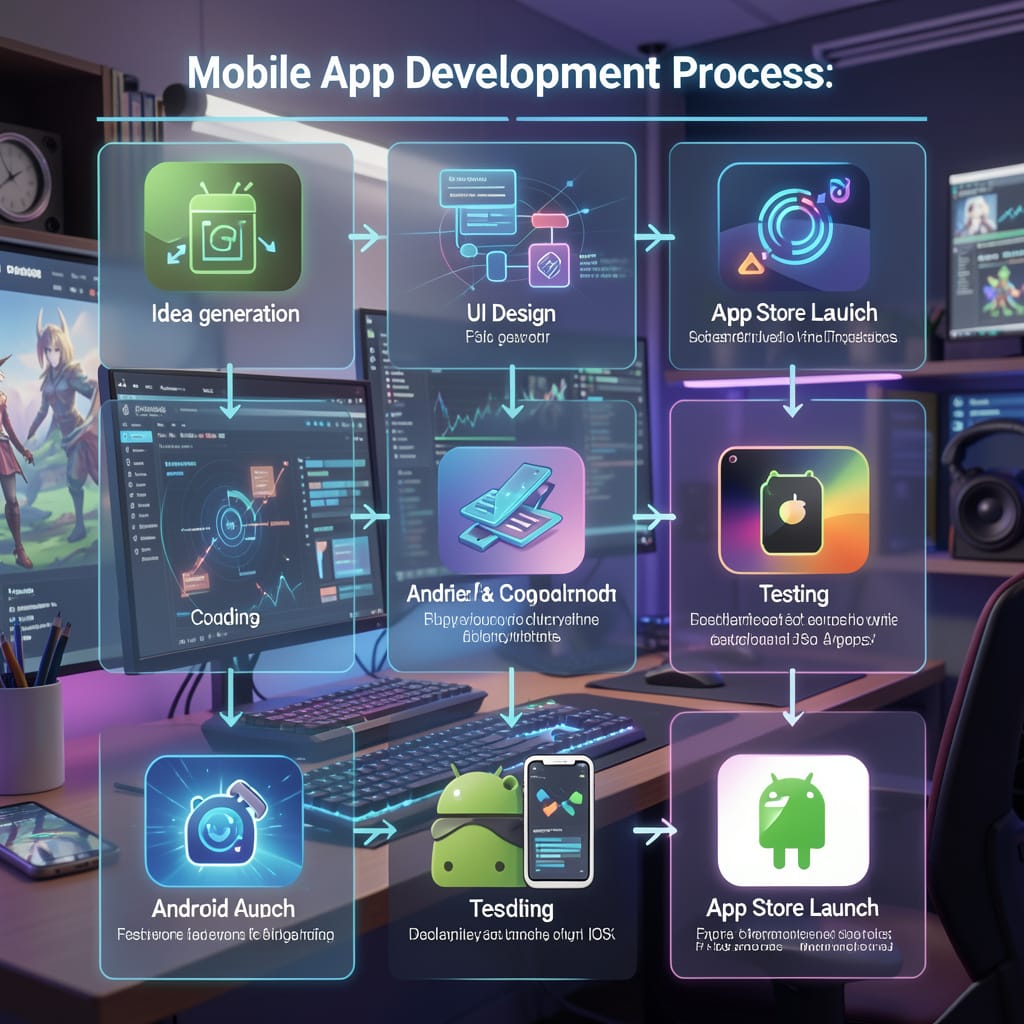
Now you understand how to develop an app step by step and why mobile app development has become one of the most important skills in today’s digital world. From idea planning to choosing the right platform, designing the interface, development, testing, publishing, and promotion, every step plays a key role in creating a successful mobile app. In today’s technology-driven era, learning how to create an app for Android & iOS is not only useful for businesses but also a powerful opportunity for individuals who want to build their own digital products.
App development is no longer just for big companies. With the right knowledge and tools, anyone can start mobile app development and turn their ideas into real applications. A well-designed app can become a strong earning source through ads, subscriptions, online services, or business growth. Many startups and freelancers are making income by building apps, and this makes learning how to develop an app a valuable skill for the future.
If you want to create an app for business, startup, or personal use, following the correct app development process will help you save time, reduce cost, and achieve better results.